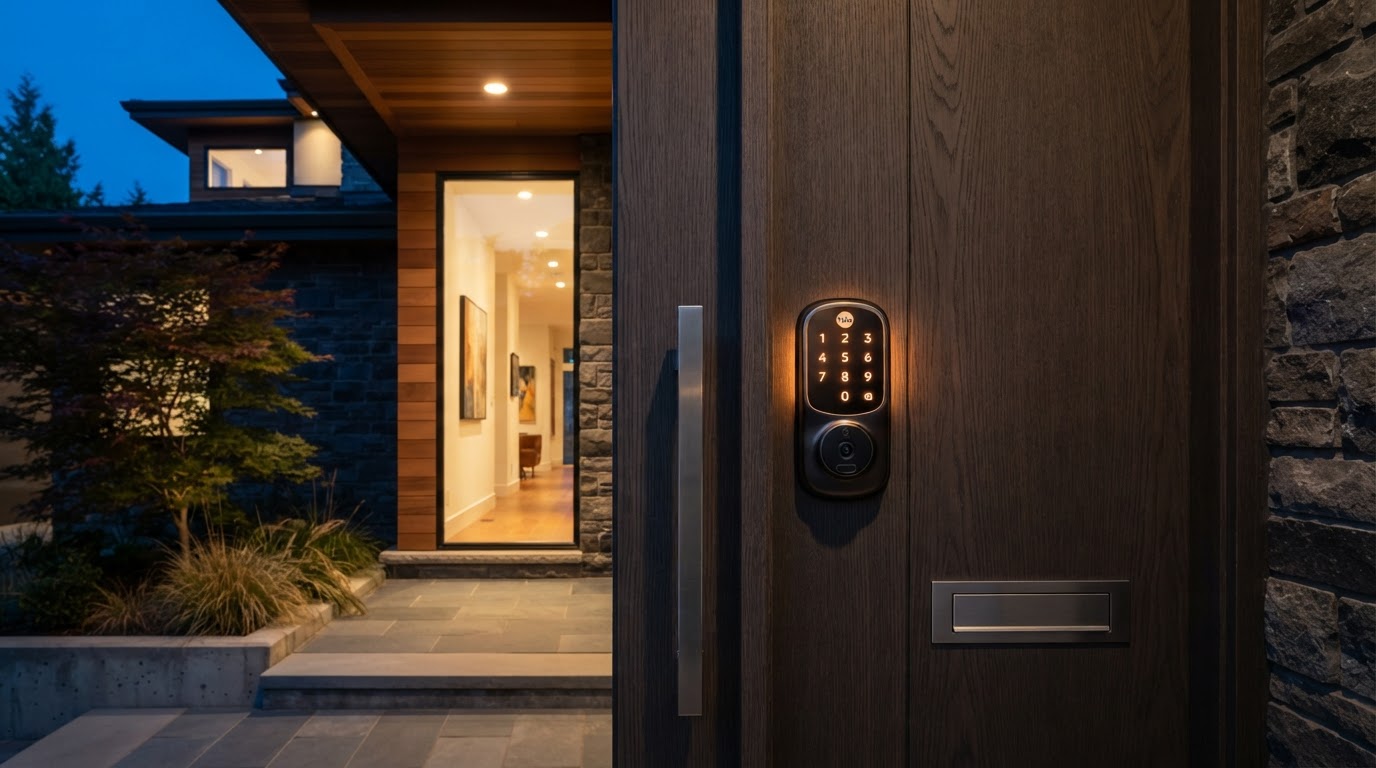
Smart Lock Installation: Understanding the Process
Smart lock technology has transformed how Miami homeowners approach residential security. This guide provides a detailed look at the smart lock installation process, compatibility requirements, connectivity options, and the factors you should discuss with a professional before authorizing installation work.
What Is a Smart Lock?
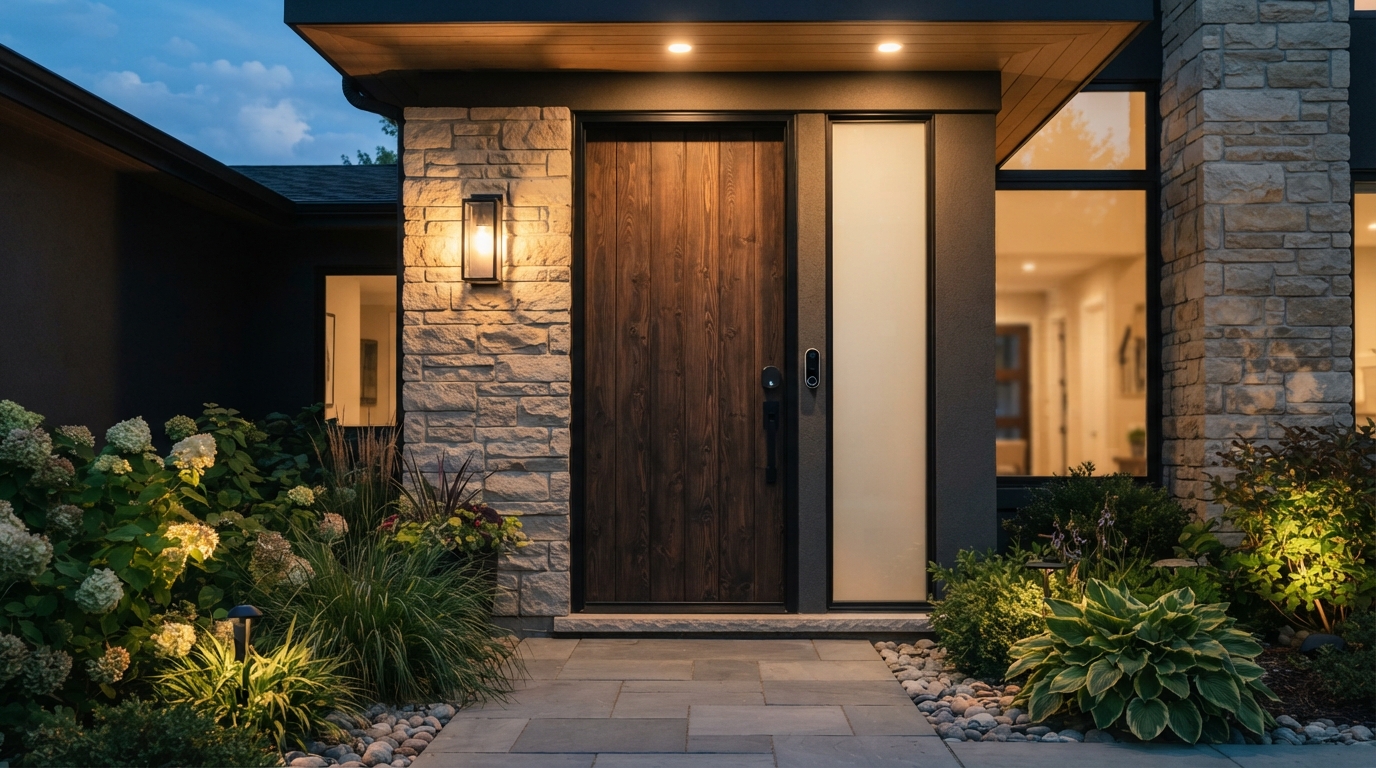
A smart lock is an electronic locking device that provides keyless or enhanced access control through digital authentication methods. Unlike traditional mechanical locks that rely solely on a physical key, smart locks incorporate electronic components that communicate with smartphones, keypads, biometric scanners, or wireless networks to manage access.
Smart locks are not necessarily more secure than high-quality mechanical locks—their primary advantages are convenience, access management, and integration capabilities. Understanding what smart locks can and cannot do helps set appropriate expectations.
Types of Smart Locks
Several categories of smart locks are available, each with different features and installation requirements:
#### Keypad Smart Locks
Keypad locks allow entry using a PIN code. They are the simplest smart lock type, often requiring no connectivity beyond the keypad itself. Benefits include:
- No smartphone or hub required
- Easy code management for multiple users
- Battery-powered with long battery life
- Straightforward installation on standard door preparations
Keypad locks are a good entry point for homeowners who want keyless convenience without complex smart home integration.
#### Connected Smart Locks
Connected smart locks add wireless communication (Bluetooth, Wi-Fi, Z-Wave, or Zigbee) to enable smartphone control, remote access, and integration with smart home systems. Features may include:
- Remote lock and unlock
- Temporary access codes for guests or service providers
- Activity logs showing who accessed the door and when
- Integration with smart home routines (e.g., auto-lock when the system is armed)
- Notifications when the door is locked or unlocked
The connectivity protocol affects range, power consumption, and integration options. A professional can help you choose the right protocol for your needs.
#### Biometric Smart Locks
Biometric locks use fingerprint scanning for authentication. They offer the convenience of not needing to remember a code or carry a key, but considerations include:
- Fingerprint enrollment for each authorized user
- Potential recognition issues in wet or humid conditions (relevant in Miami)
- Limited number of stored fingerprints depending on the model
- Battery dependency
#### Retrofit Smart Locks
Some smart locks are designed to retrofit existing deadbolt hardware, installing over the interior side of the lock without replacing the exterior cylinder. These can be easier to install but may have limitations in features or compatibility.
Compatibility Assessment
Before purchasing or installing a smart lock, a compatibility assessment is essential. Key factors include:
#### Door Specifications
- Door thickness — Standard doors are 1-3/4" thick. Smart locks typically support this thickness, but some have extension kits for thicker doors. Thinner doors may not accommodate certain models.
- Backset — The distance from the door edge to the center of the bore hole. Standard backsets are 2-3/8" and 2-3/4". Most smart locks support both, but some have limitations.
- Bore hole diameter — The standard is 2-1/8". Non-standard holes may require drilling or reaming.
- Cross bore — The horizontal hole for the latch. Most smart locks accommodate standard cross bore sizes.
- Door handing — The direction the door opens. Some smart locks are handed and must be ordered for the correct side; others are reversible.
#### Existing Hardware
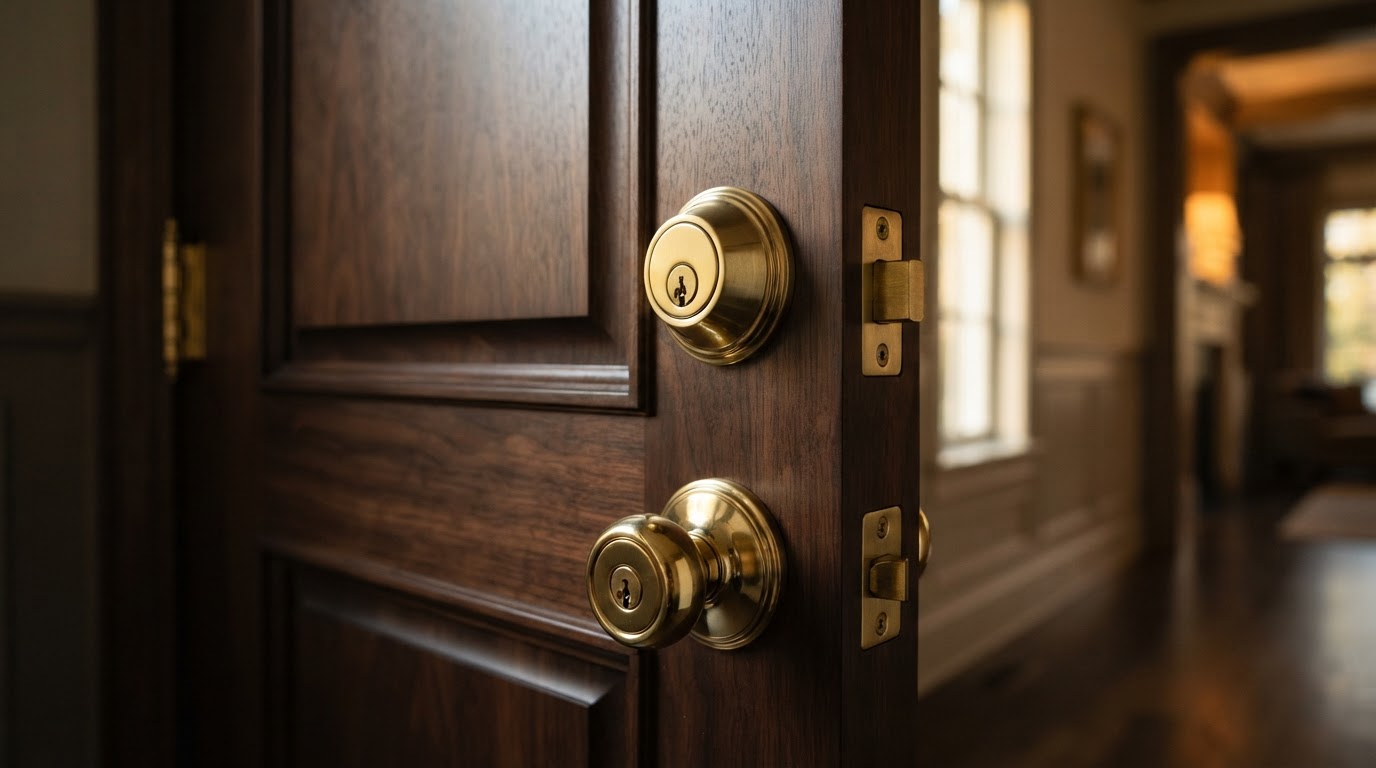
If you have an existing deadbolt, the smart lock may replace it entirely or retrofit over it. Retrofit locks are generally easier to install but may not provide the same level of integration or security as full-replacement models.
#### Power Availability
Most smart locks are battery-powered, using standard AA or CR batteries. Battery life varies widely—from a few months to over a year—depending on the lock type, connectivity, and usage frequency. Some models offer low-battery alerts via smartphone notifications.
Hardwired smart locks require connection to the building's electrical system, which involves more complex installation and typically requires an electrician. These are more common in commercial settings.
The Installation Process
A professional smart lock installation typically follows these steps:
#### 1. Discussion and Assessment
You describe your needs, the door where the lock will be installed, and any integration requirements. The technician assesses the door specifications, existing hardware, and confirms compatibility with your chosen smart lock model.
#### 2. Hardware Removal
If replacing an existing deadbolt, the old hardware is removed carefully to avoid damaging the door. This includes the exterior cylinder, interior thumb-turn, latch assembly, and strike plate.
#### 3. Door Preparation
If the door preparation does not match the smart lock's requirements, modifications may be needed. This could include enlarging the bore hole, adjusting the backset, or mortising for a new strike plate. All modifications are discussed and approved before proceeding.
#### 4. Smart Lock Installation
The smart lock components are installed according to the manufacturer's specifications. This includes:
- Installing the latch assembly into the door edge
- Mounting the exterior keypad or cylinder
- Mounting the interior electronic assembly
- Connecting internal wiring (for models with separate exterior and interior components)
- Installing batteries
#### 5. Configuration
The smart lock is configured according to your preferences:
- Setting up admin codes or accounts
- Programming user codes
- Connecting to your Wi-Fi network or smart home hub
- Configuring auto-lock timing and notification preferences
- Testing all access methods (codes, smartphone, physical key override)
#### 6. Testing and Review
All functions are tested to ensure proper operation. The technician reviews the installation with you, explains how to manage codes, change batteries, and troubleshoot common issues. You receive confirmation that the lock operates correctly before the service is concluded.
Connectivity Deep Dive
Understanding connectivity options helps you choose a smart lock that meets your needs:
#### Bluetooth
Bluetooth connectivity allows direct communication between the lock and your smartphone within a limited range (typically 30-100 feet). Benefits include low power consumption and no hub requirement. Limitations include no true remote access—you must be within Bluetooth range to control the lock.
#### Wi-Fi
Wi-Fi connectivity enables true remote access from anywhere with an internet connection. You can lock or unlock your door, check status, and receive notifications while away from home. The trade-off is higher power consumption, resulting in more frequent battery changes. Some locks use a Wi-Fi bridge or adapter that connects to the lock via Bluetooth and provides Wi-Fi connectivity.
#### Z-Wave
Z-Wave is a mesh network protocol that requires a compatible smart home hub (such as Samsung SmartThings, Hubitat, or a security system panel). Z-Wave offers good range (especially with multiple devices creating a mesh network), low power consumption, and integration with other smart home devices. Each Z-Wave device acts as a repeater, extending the network range.
#### Zigbee
Zigbee is similar to Z-Wave in that it requires a hub and creates a mesh network. Some smart home ecosystems (like certain Amazon Echo devices) include Zigbee hubs. The choice between Z-Wave and Zigbee often depends on your existing smart home platform.
Security Considerations
While smart locks offer convenience and features, they also introduce digital security considerations:
- Firmware updates — Smart locks may receive firmware updates to address security vulnerabilities. Keeping firmware current is important. Some locks update automatically; others require manual updates.
- Account security — If the lock uses a cloud account for remote access, the account password should be strong and unique. Two-factor authentication, if available, should be enabled.
- Physical key override — Most smart locks include a physical key override as a backup. This key should be stored securely, as it provides access if electronic systems fail.
- Network security — Wi-Fi-connected locks rely on your home network security. A strong Wi-Fi password and network security practices help protect connected devices.
A professional installation includes guidance on these security considerations and how to maintain your smart lock's security over time.
Miami-Specific Smart Lock Considerations
South Florida's environment creates specific considerations for smart lock installation:
#### Humidity and Electronics
Miami's high humidity can affect electronic components over time. Choosing smart locks with appropriate weather resistance ratings and ensuring proper sealing during installation helps protect internal electronics. Coastal properties may need additional consideration due to salt air.
#### Power Outages
Hurricane season can bring extended power outages. While most smart locks are battery-powered and continue operating during outages, connectivity features that rely on Wi-Fi will not function if your router loses power. A battery backup for your router or a cellular backup connection can maintain remote access capabilities.
#### Condominium Restrictions
Many Miami residents live in condominiums with building-wide access systems or restrictions on door hardware. Before installing a smart lock, check with your building management to ensure compliance with building rules and any master key system requirements.
Factors Affecting Installation Cost
Smart lock installation costs vary based on:
- Lock model and features — More feature-rich locks typically cost more.
- Door preparation requirements — Doors needing modification add to the installation time and cost.
- Connectivity setup — Configuring Wi-Fi, hub integration, or smart home platform connections adds time.
- Number of locks — Multiple lock installations may benefit from efficiency but still require individual attention.
- Hardware availability — Special-order models may require waiting for delivery.
All costs are presented for approval before any authorized work begins.
Making the Right Choice
Smart lock installation is an investment in convenience and access management. By understanding the options, compatibility requirements, and installation process, you can make an informed decision. A professional assessment ensures your chosen smart lock is compatible with your door and properly installed for reliable operation.
Contact D'Alembert Locksmith to discuss smart lock options for your Miami home, current availability, and suitable service options.