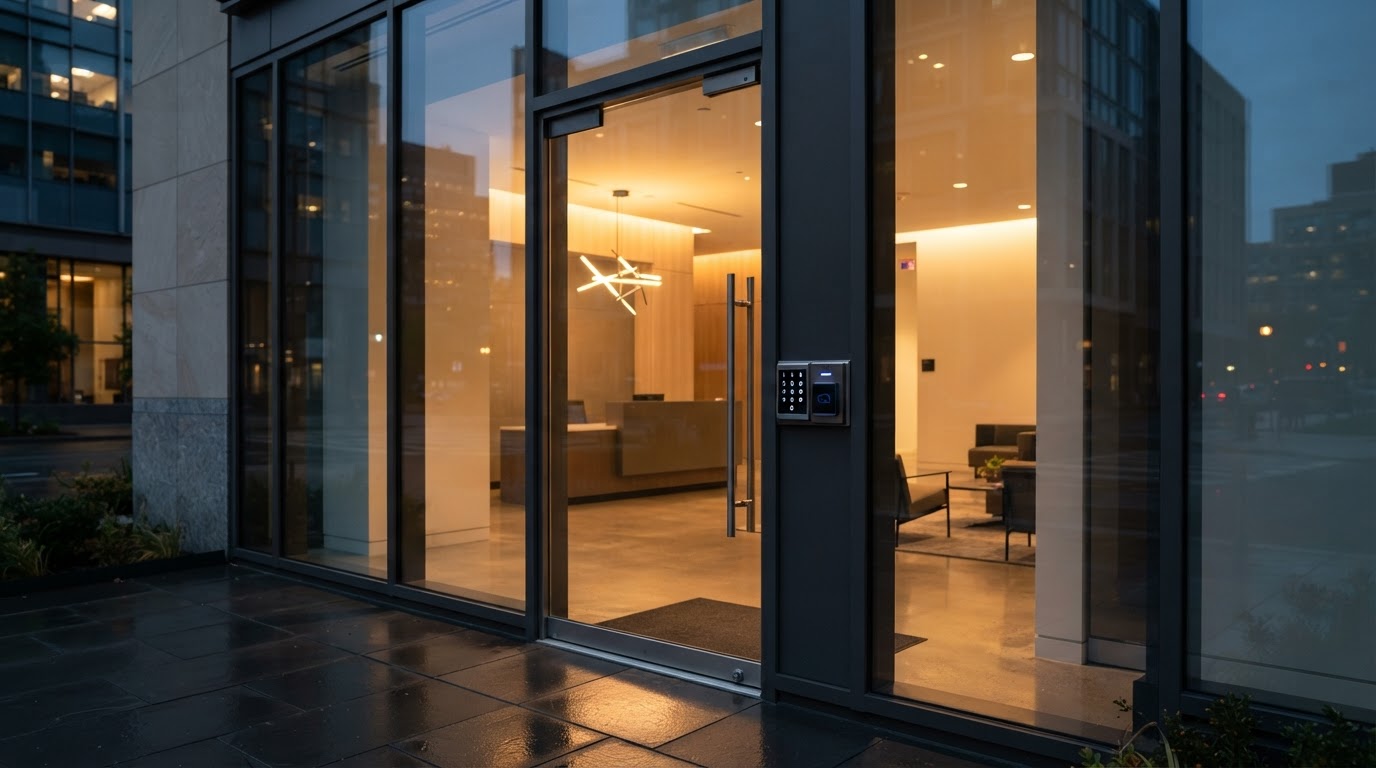
Access Control Systems for Miami Businesses
Access control systems represent a significant evolution in commercial security, offering capabilities that go far beyond traditional mechanical locks. This guide provides a detailed overview of commercial access control options, including keypad, card-based, and biometric systems, with guidance on selecting the right approach for your business.
What Is an Access Control System?
An access control system is an electronic security system that manages who can enter specific areas of a building and when. Unlike traditional locks that provide binary access (key works or it doesn't), electronic access control offers granular management:
- Individual user management — Each person has unique credentials
- Time-based access — Restricting access to specific days and hours
- Area-based access — Different access levels for different building zones
- Audit trails — Records of who accessed which door and when
- Remote management — Adding, removing, or modifying access credentials without physical key changes
- Integration — Connecting with video surveillance, alarm systems, and building management
Types of Access Control Systems
#### Standalone Keypad Systems
The simplest form of electronic access control, standalone keypad systems use a numeric code for entry:
Benefits:- Low cost and simple installation
- No physical credentials to manage or lose
- Easy code changes
- Battery-powered options available for doors without nearby power
- No audit trail (in basic models)
- Codes can be shared or observed
- No individual user identification
- Limited scalability for multi-door applications
Standalone keypads are appropriate for single-door applications with a small number of users where audit trails are not required.
#### Card-Based Systems (Proximity and Smart Cards)
Card-based systems use credential cards (or fobs) that are presented to a reader for access:
Proximity cards (prox cards) use RFID technology to communicate with the reader when held nearby. They are durable, fast to read, and widely used. Smart cards contain embedded chips that can store more information and support encryption, providing higher security than basic prox cards. Benefits:- Individual user identification
- Easy credential deactivation (for lost cards or terminated employees)
- Audit trail of access events
- Scalable to multiple doors and buildings
- Integration with time and attendance systems
- Cards can be lost, stolen, or shared
- Ongoing cost for replacement cards
- Reader and controller hardware required
- More complex than standalone keypads
Card-based systems are the most common commercial access control solution, offering a good balance of security, convenience, and management features.
#### Mobile Credential Systems
Mobile credential systems use smartphones as access credentials:
Benefits:- Users always carry their phones
- No physical cards to manage
- Remote credential issuance and revocation
- Integration with mobile apps for additional features
- Requires user smartphone enrollment
- Dependent on phone battery and connectivity
- May require additional infrastructure (Bluetooth or NFC readers)
- Some users may prefer physical cards
Mobile credentials are growing in popularity as smartphone adoption increases and users become comfortable with digital access methods.
#### Biometric Systems
Biometric systems use unique physical characteristics for authentication:
Fingerprint readers are the most common biometric access control method. They scan the user's fingerprint and compare it to enrolled templates. Facial recognition systems use cameras to identify users by facial features. Newer systems use 3D mapping and infrared for improved accuracy. Iris scanners use infrared imaging to identify the unique patterns in a person's iris. They offer high accuracy but are more expensive. Benefits:- Credentials cannot be lost, stolen, or shared
- High accuracy and security
- No physical credentials to manage
- Strong audit trail with biometric verification
- Higher cost than card-based systems
- Enrollment required for each user
- Environmental factors can affect performance (e.g., wet fingers, lighting)
- Privacy considerations for biometric data storage
- Some users may have concerns about biometric enrollment
Biometric systems are appropriate for high-security areas where credential sharing must be eliminated.
Access Control System Components
Understanding the components of an access control system helps in planning and budgeting:
#### Credentials
The credential is what the user presents to gain access—card, fob, PIN code, smartphone, or biometric trait. Credential selection affects user experience and system cost.
#### Readers
Readers are installed at each controlled door and communicate with the credential. Reader types include:
- Proximity readers — Read prox cards and fobs
- Keypad readers — Accept PIN codes
- Multi-technology readers — Read multiple card types
- Biometric readers — Scan fingerprints, faces, or irises
- Mobile readers — Communicate with smartphones via Bluetooth or NFC
#### Controllers
The controller is the "brain" of the access control system. It receives credential data from readers, checks access permissions, and commands the locking hardware to unlock or remain locked. Controllers may be:
- Standalone — Manage a single door independently
- Networked — Connected to a central server or cloud for multi-door management
Networked controllers enable centralized management, real-time monitoring, and integration with other systems.
#### Locking Hardware
Access control systems control electrified locking hardware:
- Magnetic locks (maglocks) — Electromagnetic locks that hold the door closed when energized. Available in various holding force ratings.
- Electric strikes — Replace the standard strike plate and release the door latch when energized. Allow the door to be opened from the inside at all times.
- Electrified locksets — Complete lock assemblies with electronic control capabilities.
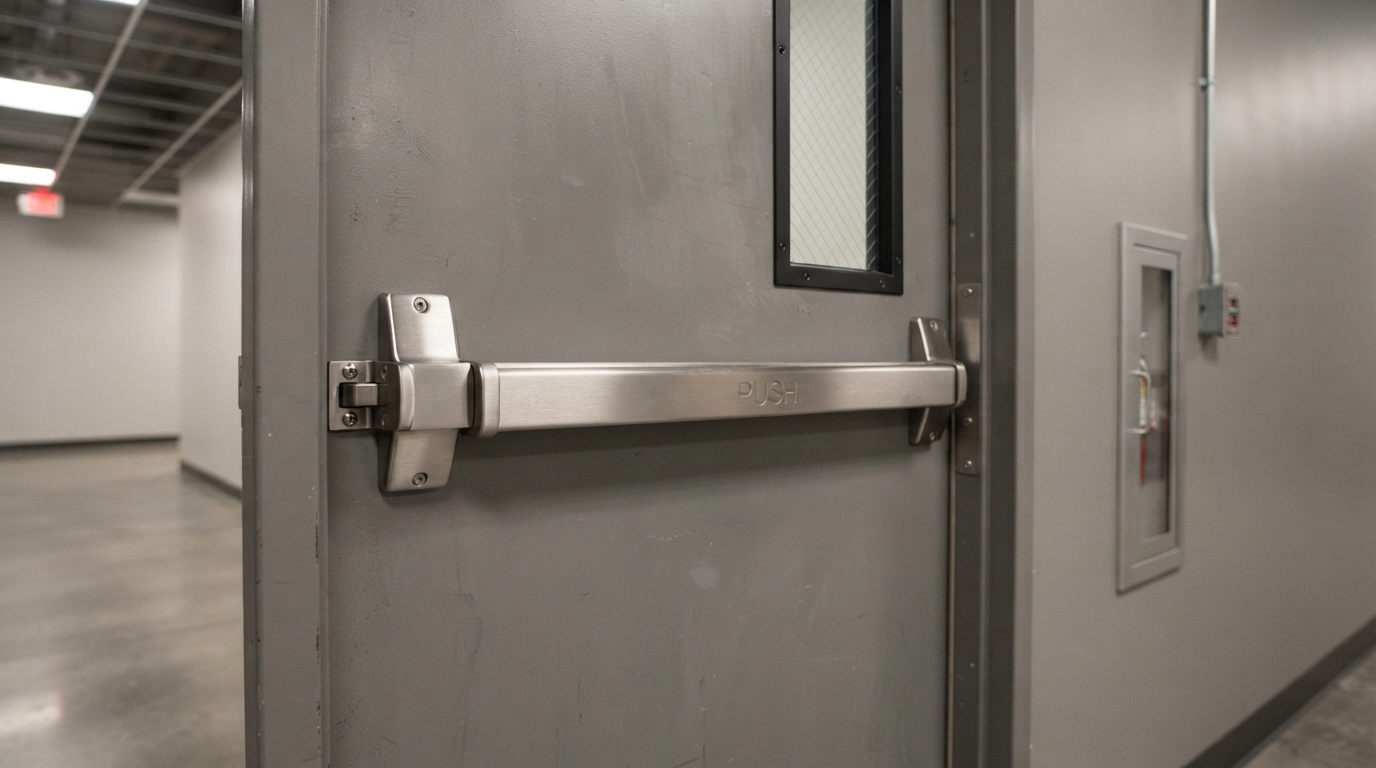
- Electric panic hardware — Electrified exit devices for fire-rated doors.
The appropriate locking hardware depends on the door type, fire code requirements, and whether the door must fail-safe (unlock on power loss) or fail-secure (remain locked on power loss).
#### Power Supplies
Access control systems require reliable power. Components include:
- Primary power — Connected to building electrical system
- Battery backup — Maintains operation during power outages
- Power distribution — Managed power to multiple components
Battery backup capacity determines how long the system operates during a power outage. For Miami businesses, where hurricane-related power outages can last days, backup capacity is an important consideration.
#### Management Software
Access control management software provides:
- User management — Adding, modifying, and removing users and credentials
- Access level configuration — Defining which users can access which doors and when
- Monitoring — Real-time door status and event monitoring
- Reporting — Audit trails and access reports
- Integration — Connecting with video, alarm, and building management systems
Software may be locally installed or cloud-based. Cloud-based systems offer remote management and reduced IT infrastructure but require reliable internet connectivity.
Selecting the Right System
Choosing the right access control system depends on multiple factors:
#### Number of Doors
- 1-2 doors — Standalone keypad or small card-based system may be sufficient
- 3-10 doors — Networked card-based system with central management
- 10+ doors — Enterprise-level system with advanced features and integration
#### Number of Users
- Small team (<25) — Simple system with basic management features
- Medium organization (25-200) — Card-based system with user management and audit trails
- Large organization (200+) — Enterprise system with role-based access, integration, and advanced reporting
#### Security Requirements
- Basic — Keypad or prox card system for general office access
- Standard — Card-based system with audit trails and time-based access
- High — Biometric or multi-factor authentication for sensitive areas
- Critical — Multi-factor authentication with video verification and integration
#### Integration Needs
- Standalone — Access control only
- Integrated — Video surveillance, alarm systems, visitor management
- Enterprise — Building management, HR systems, time and attendance
#### Budget Considerations
Access control system costs include:
- Hardware — Readers, controllers, locking hardware, power supplies
- Software — Management software licenses (one-time or subscription)
- Installation — Professional installation and configuration
- Credentials — Cards, fobs, or mobile credential enrollment
- Maintenance — Ongoing service and support
- Infrastructure — Wiring, network equipment, and any door modifications
A professional assessment can help identify the most cost-effective system that meets your security requirements.
The Assessment and Installation Process
#### 1. Consultation
You describe your security needs, building layout, number of doors and users, and integration requirements. The locksmith assesses your property and discusses available options.
#### 2. System Design
Based on the assessment, a system design is proposed, including:
- Door-by-door hardware specification
- Credential type selection
- Controller and network architecture
- Power and infrastructure requirements
- Software and management configuration
#### 3. Proposal and Approval
A detailed proposal with scope and pricing is presented for your approval. This includes hardware costs, installation labor, software, and any infrastructure modifications needed.
#### 4. Installation
Professional installation includes:
- Running wiring (if needed)
- Installing readers, controllers, and locking hardware
- Configuring the management software
- Enrolling initial users and credentials
- Testing all components and access paths
#### 5. Training and Handover
The system is tested end-to-end, and building staff receive training on:
- Adding and removing users
- Managing access levels
- Generating reports
- Handling common issues
- Emergency procedures
#### 6. Ongoing Support
Access control systems require ongoing maintenance:
- Hardware inspection and testing
- Software updates
- User management (adding/removing credentials)
- Battery replacement (for battery-backed components)
- Credential management (replacement cards, fobs)
Miami-Specific Considerations
#### Hurricane Preparedness
For Miami businesses, access control systems should account for hurricane season:
- Battery backup capacity — Ensure sufficient backup power for extended outages
- Fail-safe vs. fail-secure — Fire codes may require fail-safe (unlock on power loss) for certain doors
- Manual override — Ensure physical key override is available for all electrified doors
- Post-storm recovery — Have a plan for system recovery after power restoration
#### Building Code Compliance
Miami-Dade and Broward counties have specific building and fire code requirements that affect access control:
- Fire egress — All exit doors must allow free egress regardless of access control status
- Fire door ratings — Electrified hardware on fire-rated doors must be listed for fire door applications
- ADA compliance — Access control hardware must be accessible to users with disabilities
- Permitting — Some access control installations may require building permits
A professional installer ensures your system complies with all applicable codes.
Conclusion
Access control systems provide businesses with security capabilities that traditional locks cannot match. By understanding the options, components, and selection criteria, you can choose a system that meets your security needs, budget, and operational requirements. The key is working with a professional who assesses your property, explains options clearly, and presents pricing for approval before any work begins.
Contact D'Alembert Locksmith to discuss access control options for your Miami business, current availability, and suitable service options.