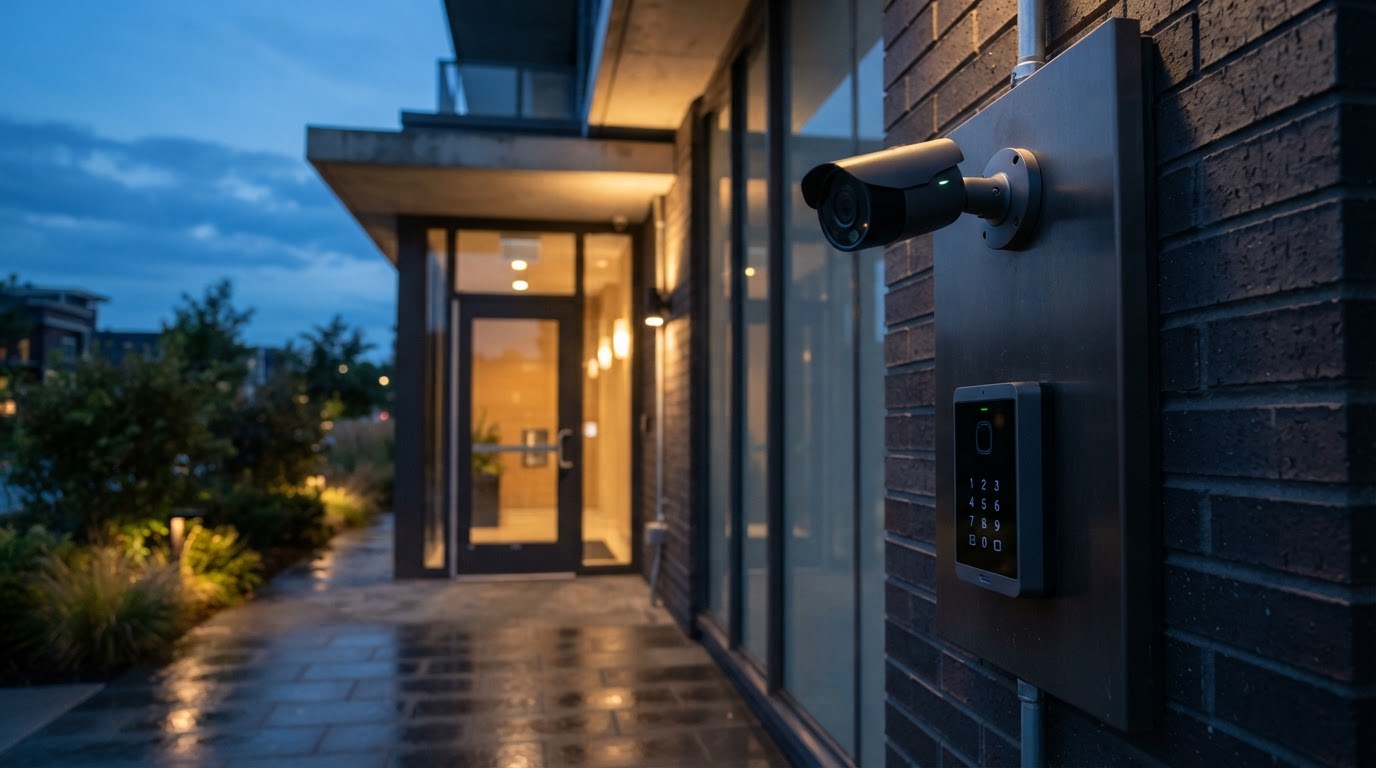
Integrating Security Systems: Cameras, Access Control, and Locks
Modern property security is most effective when individual security components work together as a unified system. This guide explains how security cameras, access control systems, and locking hardware can be integrated for comprehensive property protection, and what planning considerations are involved.
What Is Security System Integration?
Security system integration is the practice of connecting individual security components—cameras, access control, alarm systems, and locking hardware—so they communicate and work together. Rather than operating as isolated systems, integrated components share information, trigger correlated actions, and provide a unified view of security events.
#### Integration vs. Standalone Systems
Standalone systems operate independently:- A camera records video but doesn't know when a door is opened
- An access control system logs entry but doesn't capture who entered
- An alarm system sounds but doesn't verify whether the event is real
- Locks secure doors but don't communicate their status
- When a door is opened with an access credential, the associated camera records and tags the event
- When an alarm triggers, cameras automatically move to record the alarm zone
- When a door is forced open (without credentials), the system generates an alarm and records video
- All events are visible in a single management interface
Benefits of Integration
#### Correlated Event Logs
Integration creates correlated event logs that link related events:
- Access event + video — When someone uses a credential to enter, the system links the access log entry with the corresponding video footage
- Alarm + video — When an alarm triggers, the system links the alarm event with video from the relevant cameras
- Door status + video — When a door opens (by any means), the system records and links the event
This correlation is invaluable for investigations. Instead of searching through hours of video to find an event, you can search access logs and jump directly to the associated video.
#### Centralized Management
Integrated systems provide a single interface for:
- Monitoring — View all system status in one place
- Management — Manage users, credentials, and access levels from one application
- Reporting — Generate reports across all security systems
- Response — Respond to events from a single interface
This reduces the training burden on security staff and improves response times.
#### Automated Responses
Integration enables automated responses to security events:
- Forced door alarm — When a door is forced open, cameras automatically record, and an alert is sent to security personnel
- After-hours access — When someone enters after hours, cameras record, and a notification is sent
- Invalid credential attempts — Multiple failed access attempts trigger camera recording and an alert
- Fire alarm — All access control doors unlock, and cameras record evacuation routes
These automated responses improve security and reduce the need for constant human monitoring.
#### Reduced False Alarms
Integration helps reduce false alarms by providing verification:
- An alarm triggers → the system checks the associated camera → if no activity is visible, the alarm may be a false alarm
- An access event occurs after hours → the system checks whether the credential is valid → if valid, no alarm; if invalid, alarm with video verification
This verification reduces unnecessary responses and improves the credibility of alarm notifications.
Components of an Integrated Security System
#### Video Surveillance (Cameras)
Cameras provide visual verification and recording:
- Interior cameras — Monitor building interiors, entrances, and sensitive areas
- Exterior cameras — Monitor building perimeter, parking areas, and entry points
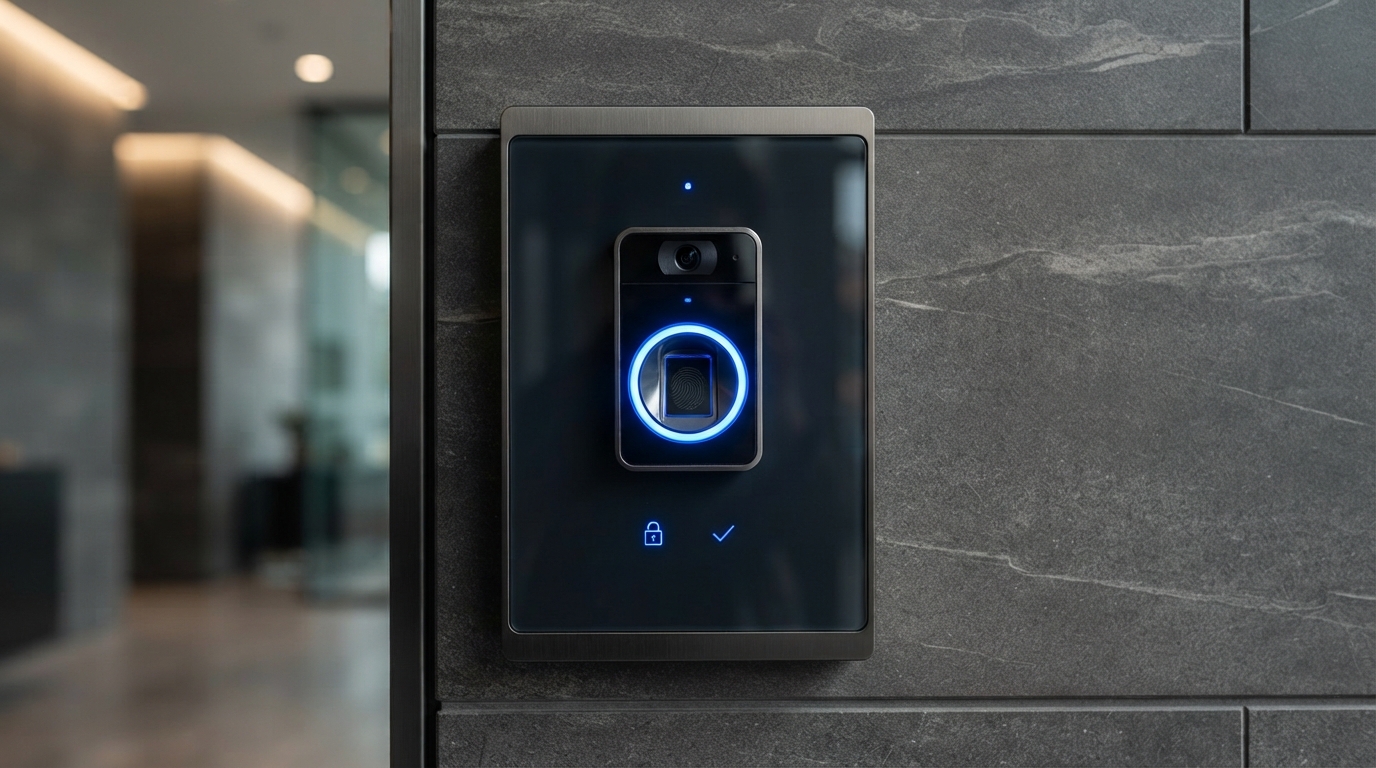
- Door cameras — Specifically positioned to capture who enters each door
- License plate readers — Capture and identify vehicles entering the property
Camera types:
- IP cameras — Network-connected cameras that transmit video over the network
- Analog cameras — Traditional cameras that transmit video via coaxial cable
- Wireless cameras — Connect via Wi-Fi; useful where wiring is difficult
- PTZ cameras — Pan-tilt-zoom cameras that can be remotely directed
For integration, IP cameras are most common because they can communicate directly with access control and management systems via the network.
#### Access Control
Access control manages who can enter and when:
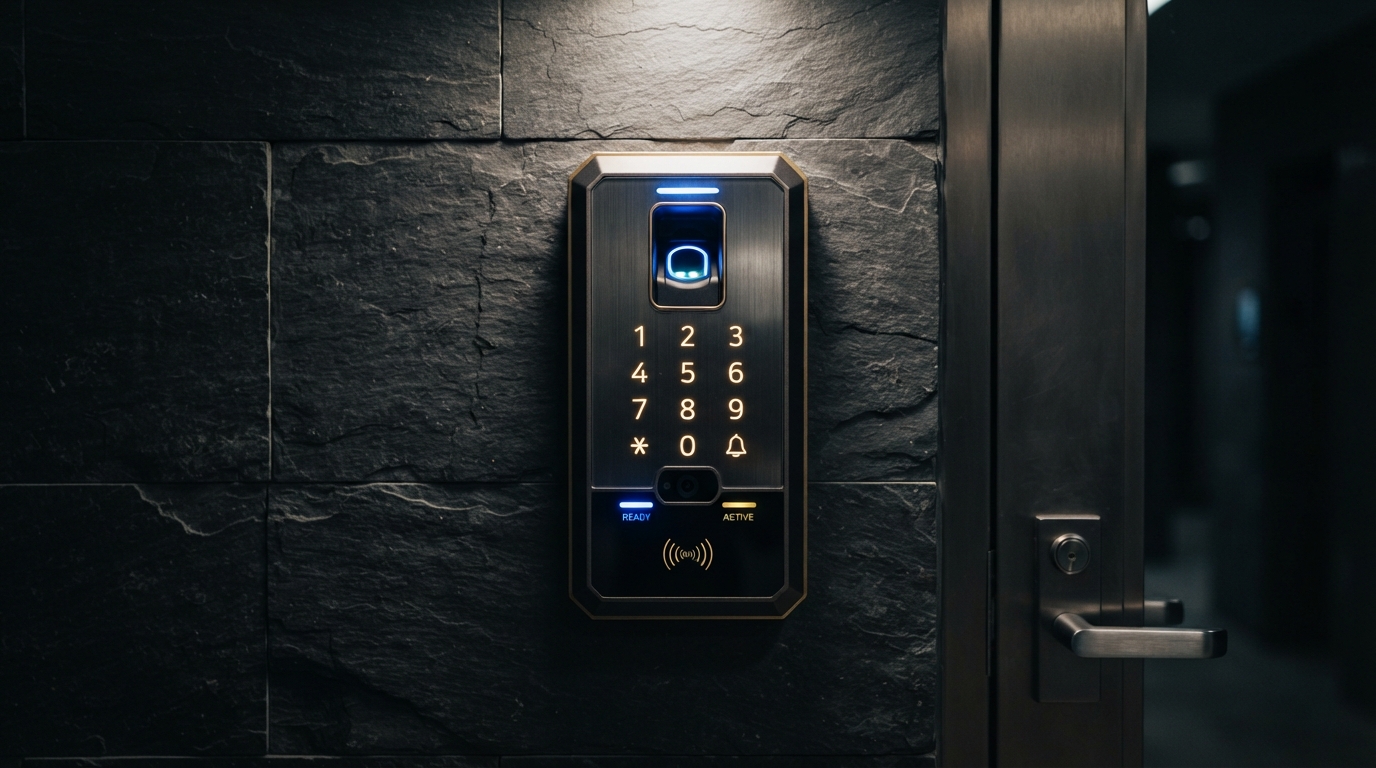
- Credential readers — At each controlled door
- Controllers — Process credential data and control locking hardware
- Management software — Manages users, access levels, and schedules
- Locking hardware — Electrified locks, strikes, or maglocks
#### Locking Hardware
Locking hardware secures doors:
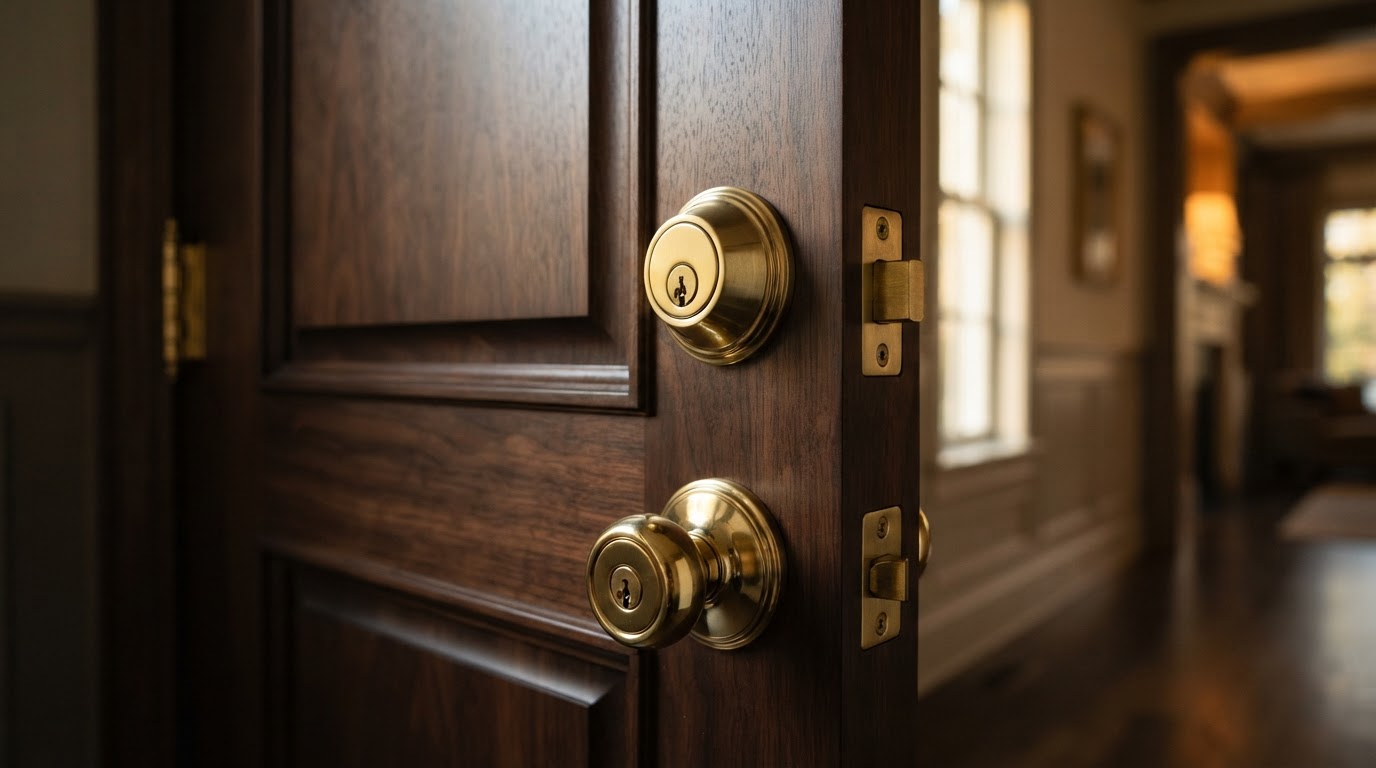
- Electrified locks — Can be controlled by the access control system
- Electronic monitoring — Door position sensors indicate whether the door is open or closed
- Latch monitoring — Indicates whether the latch is engaged
- Manual override — Physical key access for emergencies
#### Alarm Systems
Alarm systems detect and alert:
- Door contacts — Detect when doors open
- Motion detectors — Detect movement in protected areas
- Glass break detectors — Detect breaking glass
- Environmental sensors — Smoke, heat, water, carbon monoxide
- Control panel — Processes sensor data and triggers alerts
#### Management Platform
The management platform integrates all components:
- Video management system (VMS) — Manages cameras and video storage
- Access control management — Manages credentials and access levels
- Alarm management — Monitors and manages alarm events
- Integration engine — Connects the systems and enables correlated events
The platform may be:
- On-premises — Installed on servers at the property
- Cloud-based — Hosted by a service provider
- Hybrid — Local processing with cloud management
How Integration Works
#### Network Communication
Integrated systems typically communicate over the building's network:
- IP cameras connect to the network and transmit video to the VMS
- Access controllers connect to the network and communicate with the management software
- Alarm panel connects to the network and sends alarm events to the management platform
- Management platform receives data from all systems and provides a unified interface
Network design is critical for integration. The network must have sufficient bandwidth for video traffic, appropriate security (VLANs, firewalls), and redundancy for reliability.
#### Event Correlation
The integration engine correlates events across systems:
- Access event — A user presents a credential at a door
- Camera trigger — The system commands the camera at that door to record and tag the event
- Log entry — The access event and camera recording are linked in the system log
- Verification — Security personnel can view the access log and jump directly to the video
If the access event is after hours or uses an invalid credential, additional actions are triggered:
- Alarm generation — The system generates an alarm event
- Notification — Security personnel receive an alert with the access event details and video link
- Response — Security personnel assess the situation and respond accordingly
#### API Integration
Modern security systems often provide APIs (Application Programming Interfaces) that enable integration:
- Camera APIs — Allow the VMS to command cameras to record or PTZ to specific positions
- Access control APIs — Allow the management platform to add/remove users, modify access levels, and query access logs
- Alarm APIs — Allow the alarm system to send events to the management platform
API integration enables custom workflows and automation tailored to the property's specific needs.
Planning an Integrated System
#### 1. Needs Assessment
- Security objectives — What are you trying to protect and from what?
- Property layout — How many doors, cameras, and alarm zones are needed?
- User count — How many people need credentials?
- Integration requirements — Which systems need to work together?
- Compliance requirements — Building codes, fire codes, industry regulations
- Budget — What can you invest initially and ongoing?
#### 2. System Design
- Camera placement — Strategic positioning for coverage and identification
- Access control points — Which doors need electronic access control
- Alarm zones — Which areas need alarm protection
- Network design — Bandwidth, security, and redundancy
- Management platform — Which platform best meets the integration needs
- Integration workflows — What automated responses are needed
#### 3. Compatibility Assessment
Before investing in integration, assess whether existing systems can be integrated:
- Camera system — Does the VMS support integration with the chosen access control system?
- Access control — Does the access control system provide APIs or integration modules?
- Alarm system — Can the alarm panel communicate with the management platform?
- Network — Does the network have sufficient capacity and security?
Some systems integrate natively (same manufacturer or established partnerships). Others require middleware or custom integration.
#### 4. Proposal and Approval
A detailed proposal with scope and pricing is presented for approval before any work begins.
#### 5. Installation and Configuration
Professional installation includes:
- Camera installation — Mounting, aiming, and connecting cameras
- Access control installation — Readers, controllers, and locking hardware
- Alarm installation — Sensors, panel, and communication
- Network configuration — VLANs, QoS, and security
- Software configuration — User setup, access levels, schedules, and integration workflows
- Testing — End-to-end testing of all integrated functions
#### 6. Training and Handover
Security staff receive training on:
- System monitoring — How to monitor the integrated system
- Event response — How to respond to alarms and access events
- User management — How to add, remove, and modify users
- Report generation — How to generate and interpret reports
- Troubleshooting — How to identify and resolve common issues
Integration Challenges and Solutions
#### Legacy System Compatibility
Challenge: Existing systems may not support modern integration protocols. Solution:- Upgrade path — Plan for phased upgrades of legacy components
- Middleware — Use middleware to bridge legacy and modern systems
- Replacement — Some legacy systems may need full replacement
#### Network Bandwidth
Challenge: Video traffic can consume significant network bandwidth. Solution:- Video compression — Use efficient codecs (H.265) to reduce bandwidth
- VLAN segregation — Separate video traffic from other network traffic
- Edge storage — Store video at the camera, transmit only when needed
- Network upgrade — Upgrade network infrastructure if needed
#### Cybersecurity
Challenge: Integrated systems are network-connected and potentially vulnerable to cyber attacks. Solution:- Network security — Firewalls, VLANs, and access control lists
- Device security — Change default passwords, update firmware, disable unused services
- Encryption — Encrypt video streams and management communication
- Access control — Limit management platform access to authorized personnel
- Regular updates — Keep all system firmware and software current
#### Cost
Challenge: Integrated systems cost more than standalone systems. Solution:- Phased implementation — Start with the most critical integration and expand over time
- Prioritize — Focus on the integrations that provide the most value
- Cloud vs. on-premises — Cloud platforms may reduce initial infrastructure costs
- Scalable systems — Choose systems that can grow with your needs
Miami-Specific Integration Considerations
#### Hurricane Preparedness
- Battery backup — Ensure all integrated systems have adequate backup power
- Network redundancy — Consider cellular backup for network connectivity
- Remote access — Cloud-based management allows monitoring during evacuations
- Post-storm recovery — Plan for system recovery and verification after storms
#### Building Code Compliance
- Fire alarm integration — Fire alarm systems must be able to release access control locks
- Egress requirements — All integrated systems must maintain free egress
- ADA compliance — All hardware must be accessible
- Permitting — Integrated security installations may require multiple permits
Maintenance and Ongoing Support
Integrated systems require ongoing maintenance:
- Camera maintenance — Cleaning, alignment verification, and firmware updates
- Access control maintenance — Hardware inspection, battery replacement, software updates
- Alarm maintenance — Sensor testing, battery replacement, and panel inspection
- Network maintenance — Security updates, capacity monitoring, and performance optimization
- Integration maintenance — Verifying that integration workflows continue to function after updates
A maintenance plan ensures continued reliable operation and security.
Conclusion
Security system integration provides capabilities that standalone systems cannot match—correlated event logs, automated responses, centralized management, and reduced false alarms. By understanding the components, integration methods, and planning process, property owners can implement an integrated security system that provides comprehensive protection. Professional design, installation, and maintenance ensure the system functions reliably and meets all code requirements.
Contact D'Alembert Locksmith to discuss security system integration options, current availability, and suitable service options for your property.